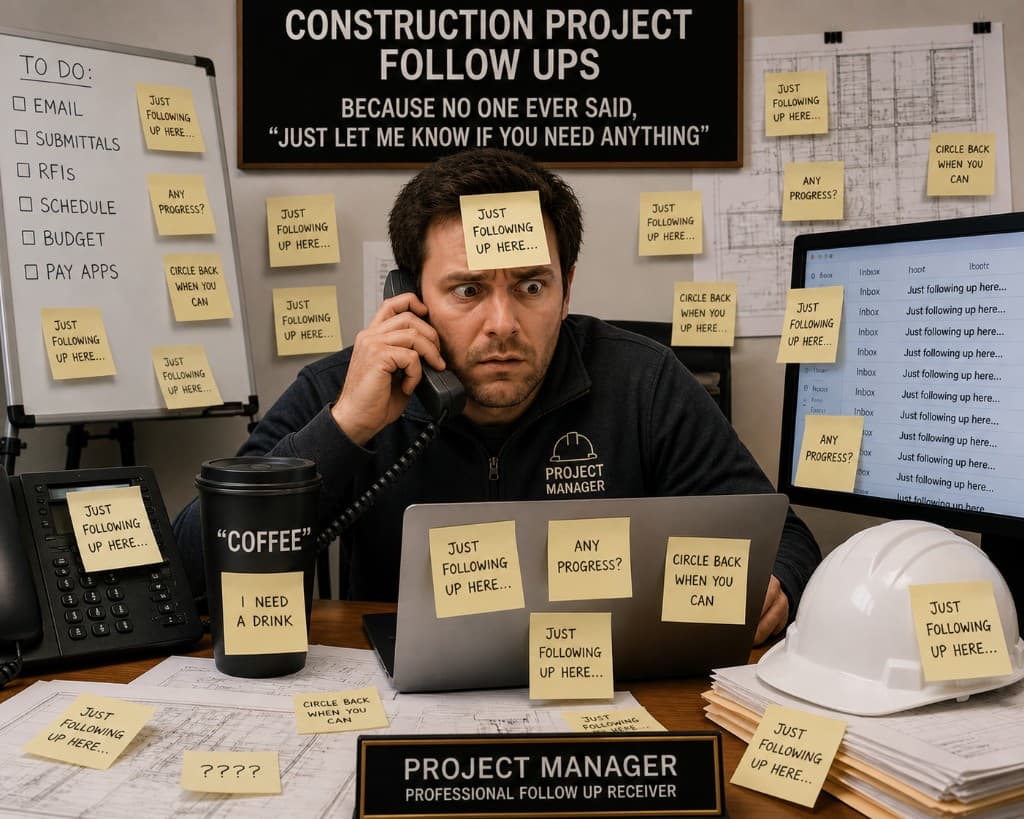
How many problems on your last job were actually surprises?
Not new issues—just old conversations that never got followed up on, decisions that never got documented, or questions that sat one day too long before someone let them slide.
And how many of those turned into last-minute scrambles that blew up your entire week?
Most jobs don't drift off track because of one bad decision. It's usually something smaller—a recap that never went out, a sub who never got an answer, a "we'll get that to you" that quietly died.
Nothing breaks immediately. It just sits. Until it doesn't.
Then it shows up all at once—urgent, visible, and now tied to today instead of two days ago when it was easy to fix.
That's when the day flips.
You had time blocked to look ahead. Sequencing, coordination, maybe getting in front of something you already knew was coming.
Instead you're chasing something that already happened. One call turns into three. One question exposes two more gaps. Now the owner's involved, the sub's waiting, and the clock's running.
The work that would've prevented the next problem doesn't happen. And the cycle repeats.
Most teams aren't stuck in that cycle because the job is unusually complex. They're stuck because follow-up is running on memory.
You leave a meeting with ten loose ends and think you'll send something out when you get a minute. But nothing forces it. So it waits. And in construction, waiting is what turns small things into expensive ones.
The issue isn't communication skill. It's that nothing in the system decides when follow-up has to happen—so it stays optional, and optional things slip.
Removing the Decision
If you want to change how a job runs, you don't start with better emails. You start by removing the decision.
Follow-up should be triggered by the event, not by someone remembering to do it:
- Meeting ends → something goes out
- Bid is submitted → something goes out
- Question is sent → something goes out if there's no response by a certain point
- New contact is made → something goes out
Not because you remembered. Because the job demanded it.
That's where AI fits into this—and the role is narrower than most people expect. It's not there to send emails on your behalf. It's there to catch the moment you would've missed and reduce the friction to act on it.
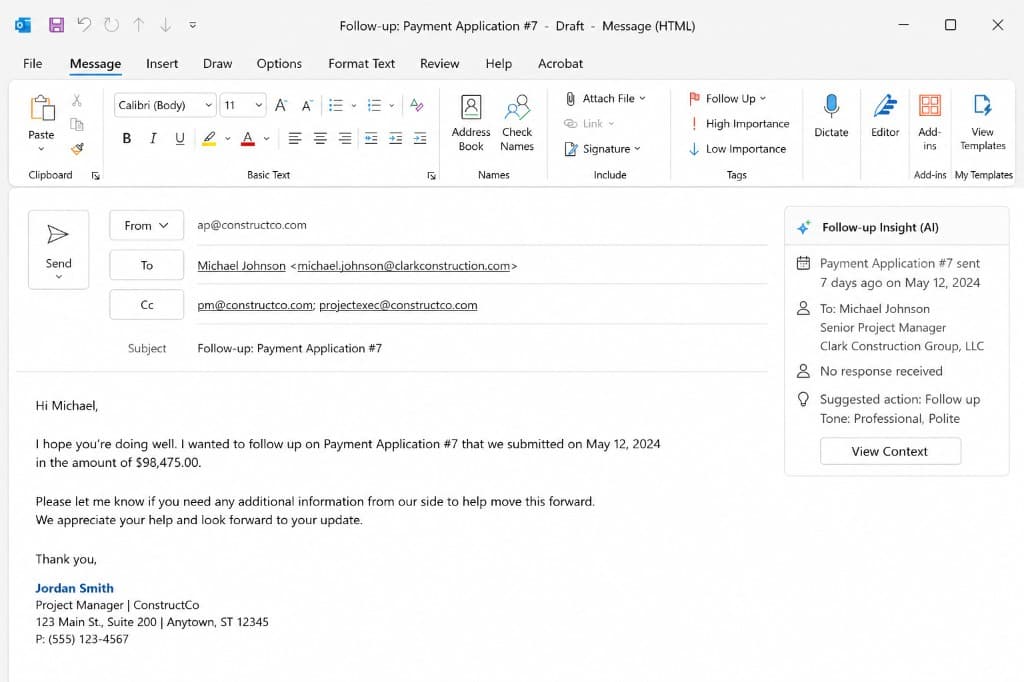
The mechanics are straightforward: something happens—a meeting, an email thread, a calendar event. The system flags it as needing a follow-up. AI pulls the context and puts together a draft: what was discussed, who it's going to, how urgent it is, how you typically communicate. Then it stops.
You decide what happens next. Send it, tighten it, sit on it, or kill it. Nothing goes out without you seeing it first.
That last step isn't a formality. In this industry, the wrong sentence carries weight.
"Looks good." "We'll handle it." "Included."
Those don't read the same six months later when someone's pulling email chains. The system can move fast—but it can't read the room. That part stays with you.
In Practice
In practice, this touches every part of the job.
On the project management side, recaps go out the same day, action items don't live in someone's notebook, and you're not getting emails two days later asking what was already decided. In estimating, scope gaps get followed up before bid day—subs don't go quiet without a nudge, and you're not carrying assumptions you never actually confirmed. In business development, conversations don't go cold because someone got busy; follow-up happens while it still matters. In the field, things said out loud actually get documented instead of getting reconstructed at the end of the day.
Building This Doesn't Require a Software Overhaul
Most of the pieces are already available—they just haven't been connected. A few things worth knowing before you assume this is more complicated than it is:
Your email can feed the system. Tools like Gmail and Outlook connect directly to AI platforms. Once connected, AI can read thread context, identify what's unresolved, and draft a follow-up in your voice—without you doing anything except reviewing it. Most people don't realize this is available outside of enterprise software.
Follow-ups can run on a timer. Automation tools let you set rules: if no response within 48 hours, flag it and draft a nudge. You define the window. The system handles the rest. You're not checking manually—it's watching for you.
The system can stand itself down. This is the part most people don't expect: AI can monitor your inbox and cancel a scheduled follow-up if a response already came in. You don't end up sending a chase email to someone who answered yesterday. The loop closes on its own.
Meeting notes can trigger the whole chain. If you're already using a transcription tool on calls or site meetings, that output can feed directly into your follow-up workflow. The recap, the action items, the follow-up drafts—all of it can stem from one meeting without anyone manually processing the notes afterward.
Start with one trigger, not the whole system. The teams that actually get this running don't build it all at once. They pick the follow-up that slips most often—usually the post-meeting recap or the unanswered sub inquiry—and automate that one thing first. Once it's working and trusted, they add the next one. A system built in pieces holds. A system built all at once usually doesn't.
None of this is complicated. But without a system behind it, it doesn't happen consistently—and inconsistency is what creates the fire drills.
When it's working, you don't notice it at first. You just stop getting surprised by things you already talked about. Fewer "hey, just checking on this" messages. Fewer conversations that start with "I thought we settled that."
What you get back isn't free time. It's useful time—time to look ahead instead of behind. The jobs that run well aren't the ones with fewer problems. They're the ones that catch problems earlier, before they become something you have to go chase.